The integration is done using Apache-CXF libraries with Camunda Spring boot as a dependency cxf-spring-boot-starter-jaxwsin the POM.xml file. The message being delivered to Camunda is modeled as XML- SOAP format and posted through SOAP-UI to Camunda. The Camunda application will receive POJO classes as a request.
Prerequisites
- Eclipse (any version) with Maven capabilities
- Java 8+
- SOAP-UI
- Camunda
Installing Eclipse-IDE on Windows
- Visit the Eclipse Foundation website.
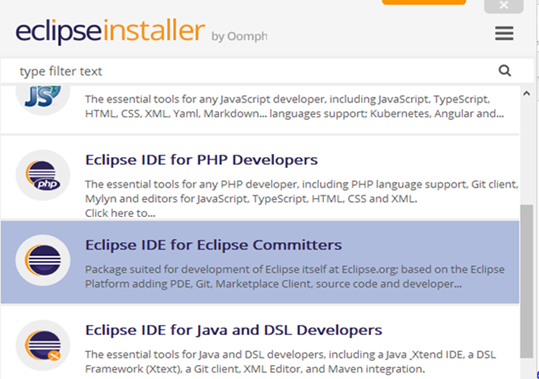
- Download the eclipse-inst-jre-win64.exe file and run the eclipse installer.
![screenshot of eclipse installer]()
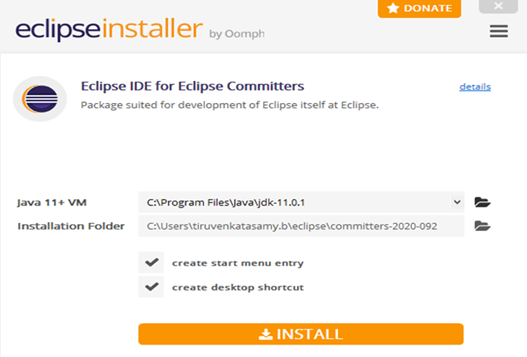
- Select Eclipse IDE for Eclipse committers and install.
![installation options for eclipse committers]()
Creating a Maven Project in Eclipse IDE
1. Open the Eclipse IDE.
from DZone.com Feed https://ift.tt/3n91HM9

No comments:
Post a Comment